MisterProSoft

( Service 03 — Product Design )

Product UI/UX design that turns complexity into clarity.

We prototype, test, and refine user workflows before a single line of code is written — designing mobile and web interfaces that feel effortless to use and straightforward to engineer.

Focus

Mobile apps, SaaS & interactive UX

Artifacts

Flows, Figma prototypes & systems

Handoff

Designed alongside our engineers

Collaboration

Live US-hours critiques

( 01 ) — Approach

Design built for real software, not just static mockups.

Too many product redesigns stall during engineering because the agency designed pretty static screens without thinking through edge cases, empty states, permissions, loading behavior, or component reuse.

At MisterProSoft, our product designers sit in the same studio as our React, React Native, and backend engineers. Every user flow is reviewed for technical feasibility before you sign off, and every component maps cleanly to a structured design system in Figma.

Working in US time zones means we run live user-flow workshops, review interactive prototypes together on video calls, and iterate in hours rather than waiting days for feedback loops.

( 02 ) — What We Deliver

Scope built around real product outcomes.

01

User research & workflow mapping

Auditing existing friction points, mapping core jobs-to-be-done, and simplifying multi-step processes into intuitive journeys.

02

Wireframes & interactive Figma prototypes

Clickable prototypes you can put in front of customers, stakeholders, or investors to validate direction before funding engineering.

03

Scalable design systems

Tokenized typography, color, spacing, accessibility contrast rules, and reusable component libraries that accelerate future development.

04

Mobile & responsive web UI

Platform-aware iOS, Android, and desktop web interfaces crafted for legibility, thumb ergonomics, and fast task completion.

05

UX audits & conversion optimization

Diagnostic reviews of live apps to uncover onboarding drop-off, confusing navigation, and accessibility gaps.

( 03 ) — Who This Fits

Where this model works best.

( 01 )

Technical founders turning an idea into a product

Translate domain expertise into a crisp, testable prototype that aligns engineering, sales, and early adopters.

( 02 )

B2B SaaS products outgrowing their original UI

Modernize complex workflows and establish a reusable component system so your engineering team ships faster with consistent polish.

( 03 )

Teams needing design + engineering under one roof

Eliminate the friction between separate design studios and development shops with one integrated nearshore team.

Core Technologies & Practices

  • Figma
  • Design Systems
  • Interactive Prototyping
  • WCAG Accessibility
  • iOS Human Interface
  • Material Design
  • Usability Testing

UI/UX design can be commissioned as part of a 2–4 week Discovery Sprint, as a standalone redesign engagement, or embedded continuously inside a Dedicated Team.

( 04 ) — Related Work

Recent work for US teams.

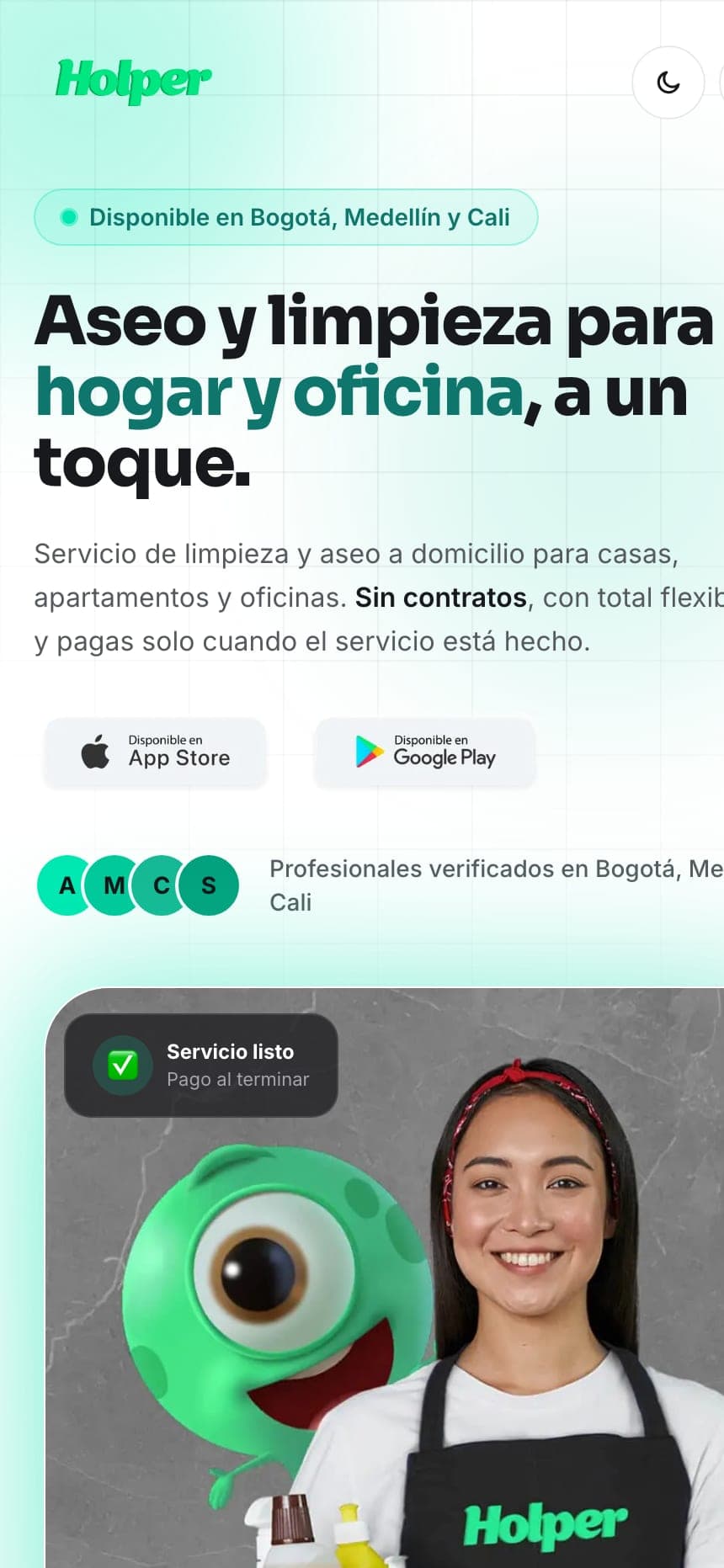
Home screen of the Holper mobile app built by MisterProSoft for iOS and Android

Client Case Study · Home Services

Holper

On-Demand Home Services App

On-demand home and office cleaning mobile application operating in Colombia (Bogotá, Medellín, and Cali), featuring frictionless booking, integrated payments, and real-time chat for iOS and Android.

Read case study
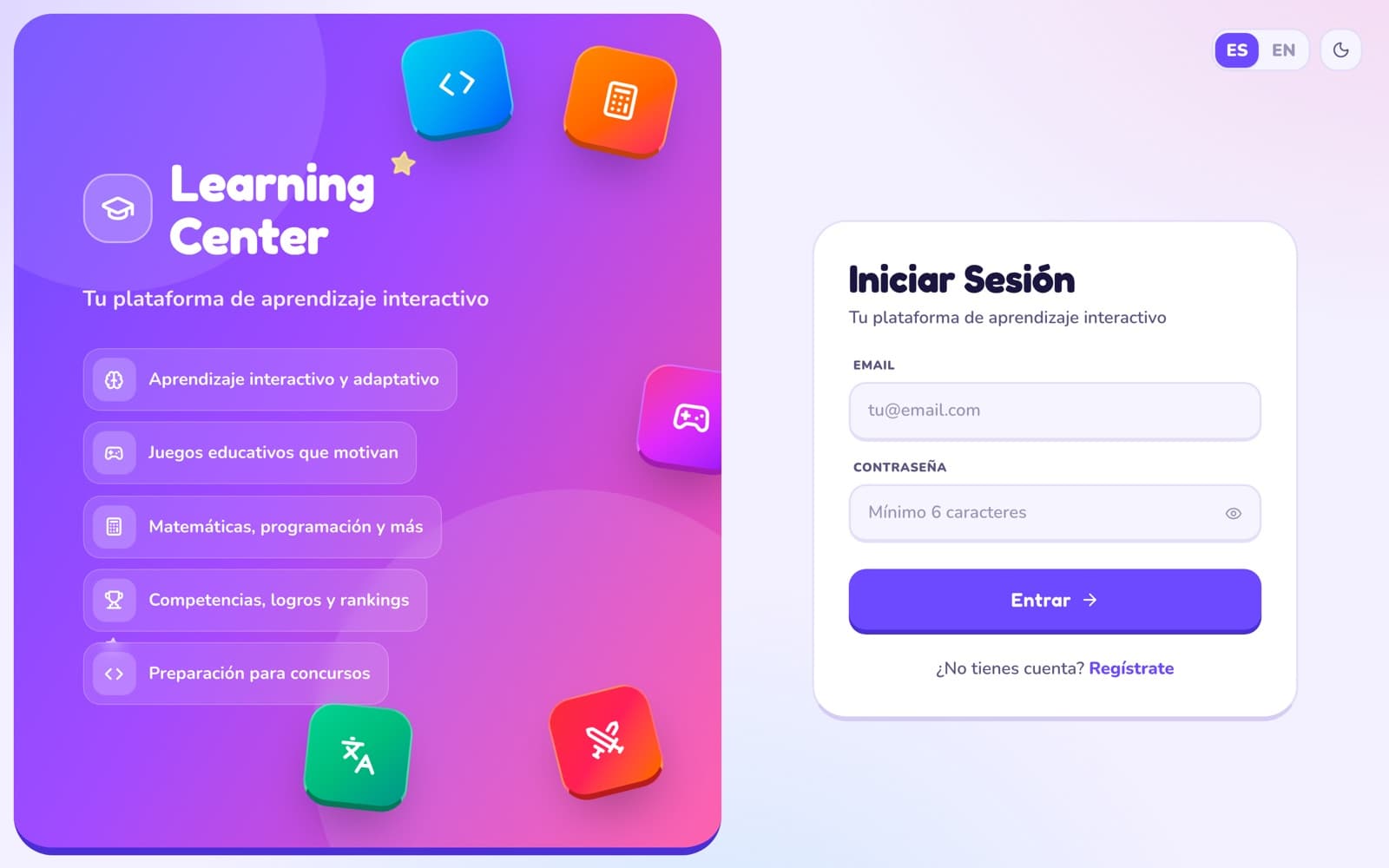
Learning Center interactive gamified web learning platform built by MisterProSoft

In-House Product · EdTech

Learning Center

Gamified Interactive Learning Platform

An interactive, adaptive web learning platform built and operated by MisterProSoft around educational games covering math, programming, English, and Spanish — featuring live competitions, achievements, rankings, and exam preparation.

Read case study

( 05 ) — Service FAQ

Common questions.

01Can we hire MisterProSoft for UI/UX design before committing to development?

Yes. Many US clients start with a Discovery & Design engagement to validate workflows, test a clickable prototype with users, and receive an accurate engineering roadmap before committing to a full build.

02Will our internal developers be able to build from your Figma files?

Absolutely. We deliver organized Figma files with auto-layout, design tokens, interaction states (hover, loading, empty, error), and developer-ready specs — and we can walk your engineers through the system live.

03Do you design for accessibility?

Yes. We check color contrast, typography legibility, keyboard focus states, and semantic hierarchy from the start so accessibility is built into the design system rather than patched after launch.